How to submit a ROSI(reporting of safety incident) to GCAA?
- Kindly access http://www.gcaa.gov.ae/en/ and select the "login" option to open the login window.
- Enter username and password and login otherwise Click “Create Now” link to create an account.
- To apply for a service, click on the "E-Services" tab. From there, you can either select the service you wish to apply for or type it in the search bar.
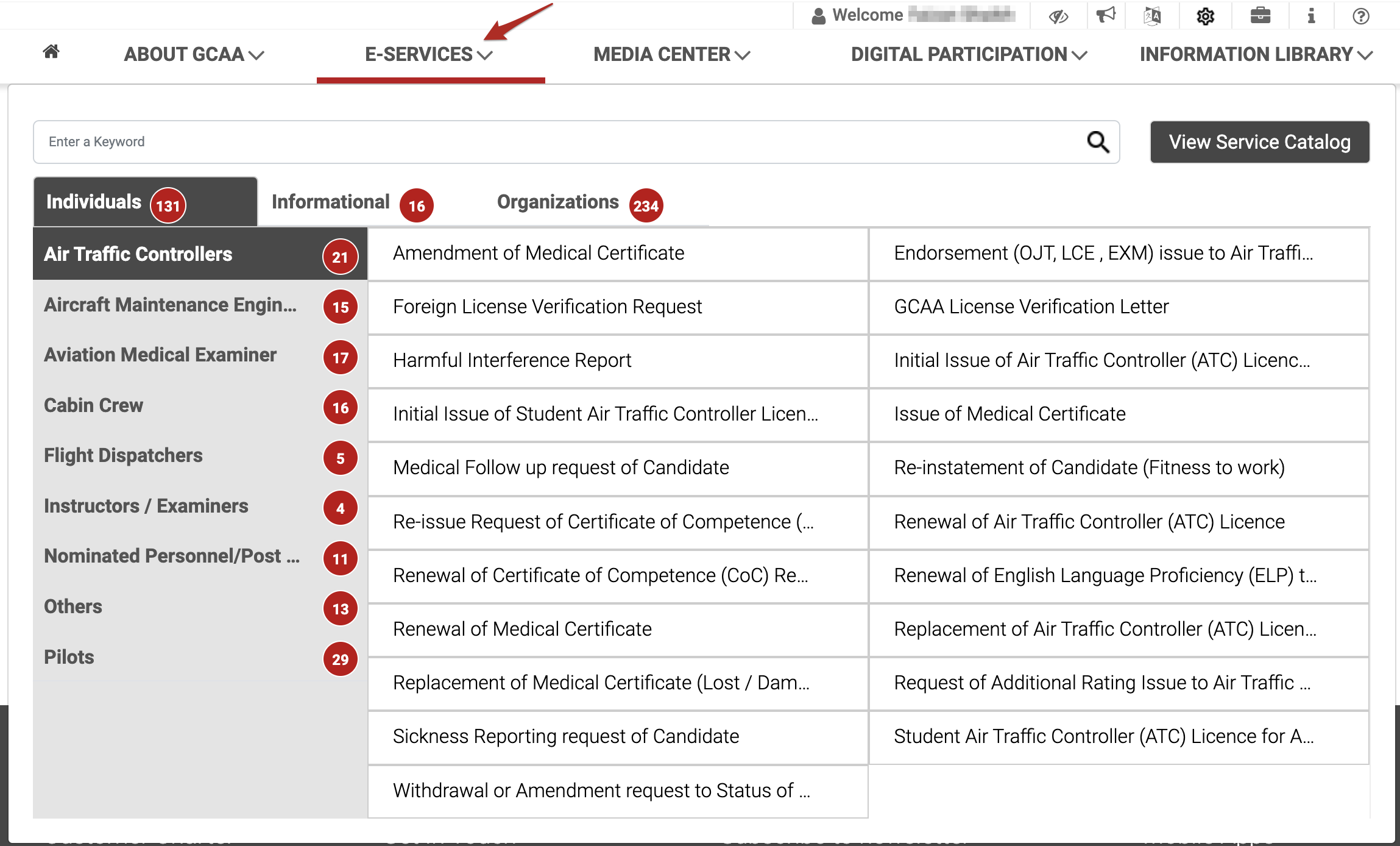
-
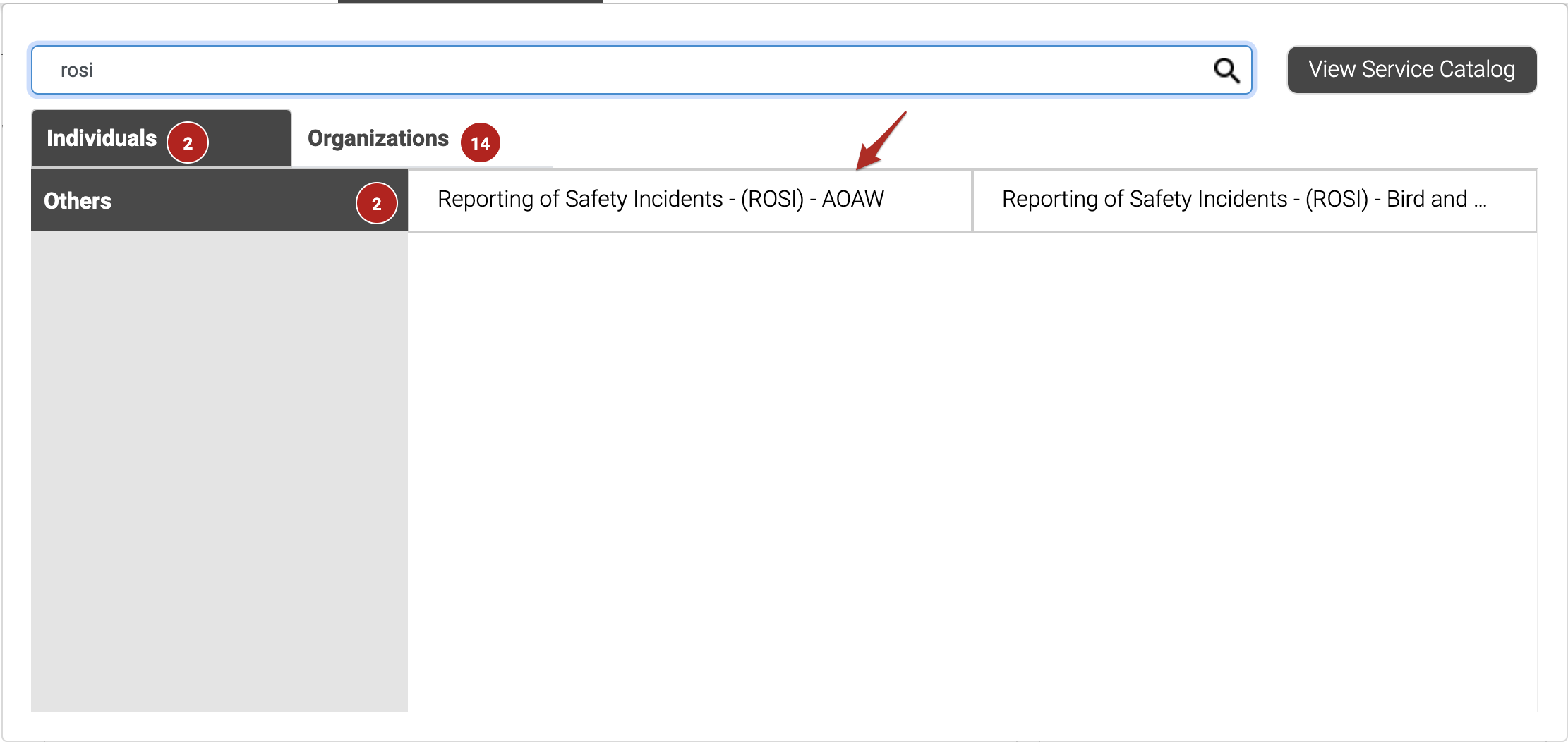
Please write service name "ROSI" and open application.
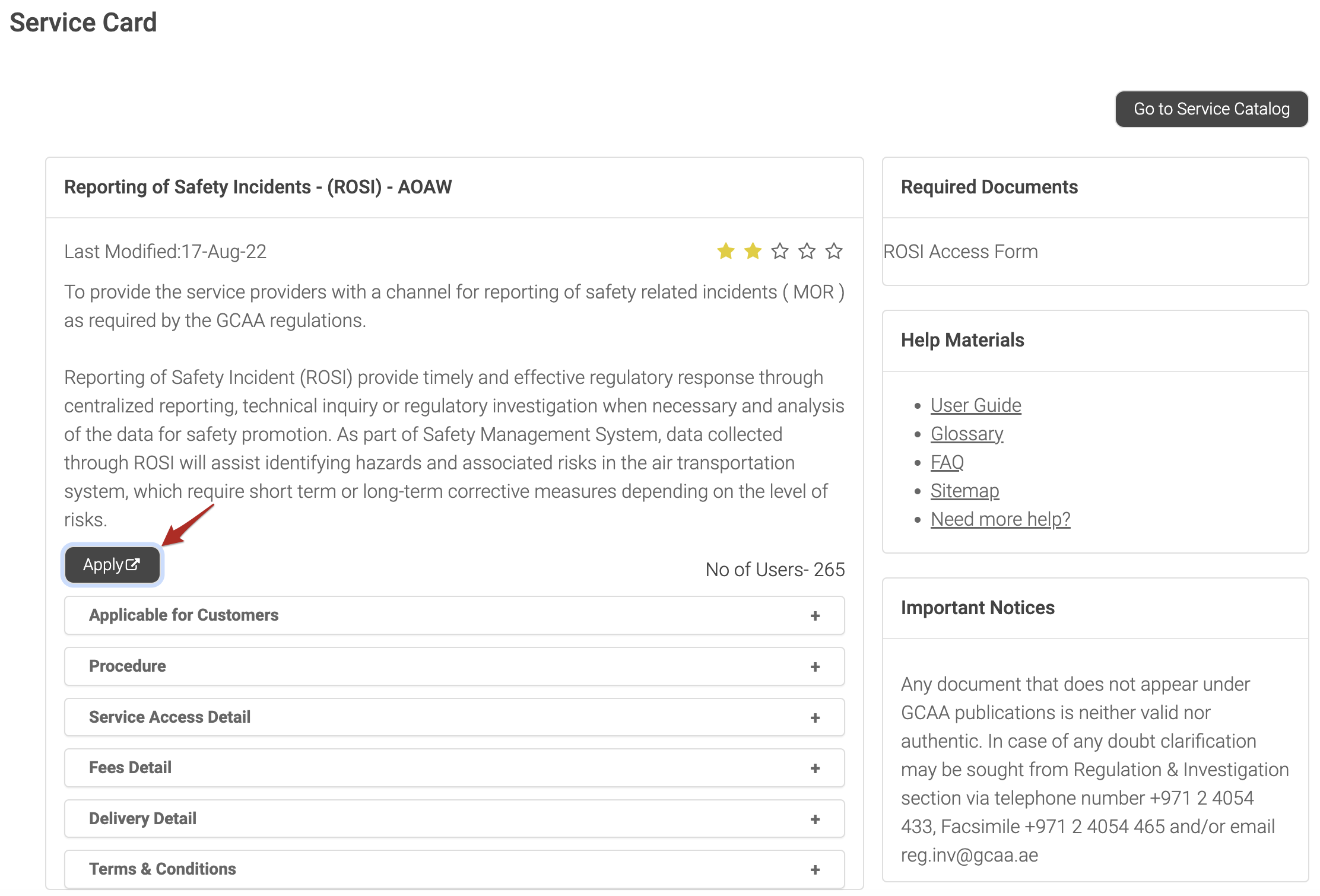
- Service card will open, kindly click on apply button.
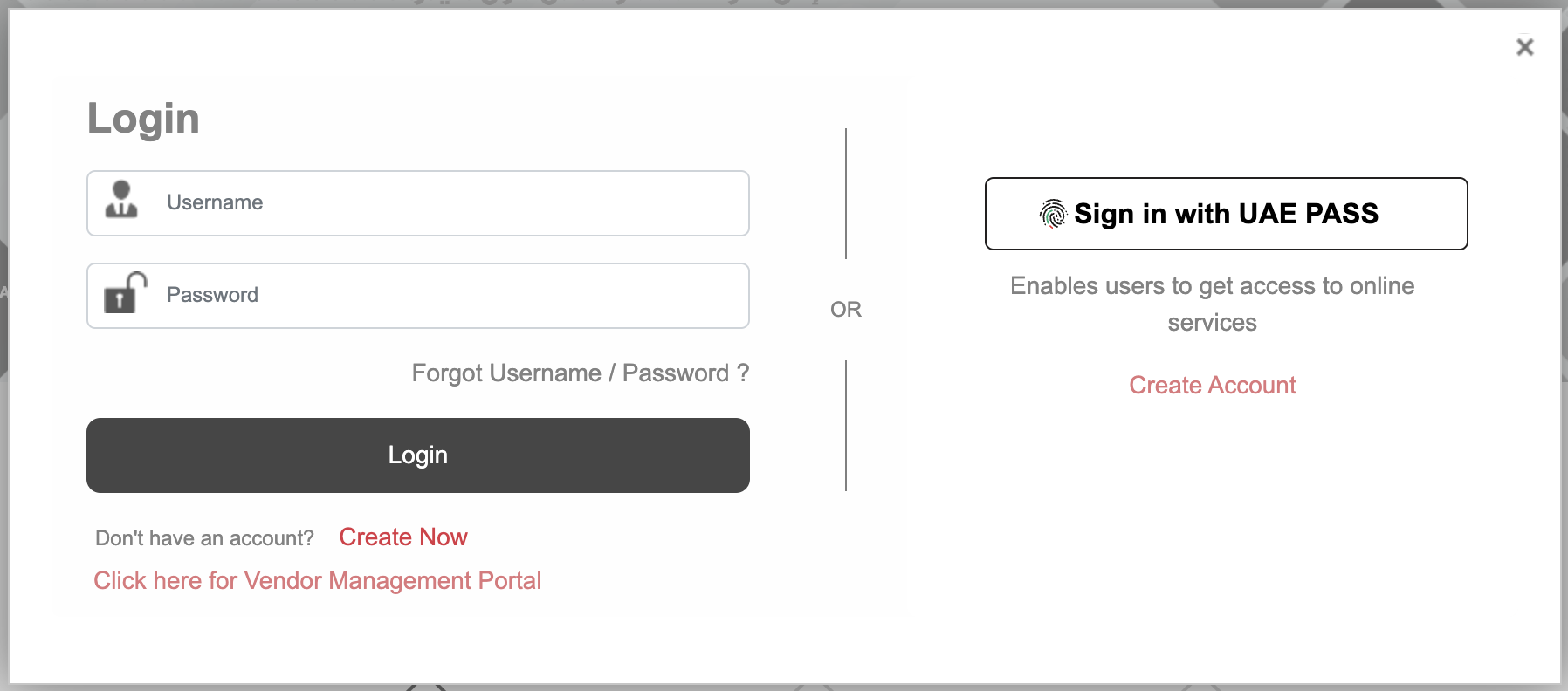
- You will be asked to login to proceed futher, Please login.
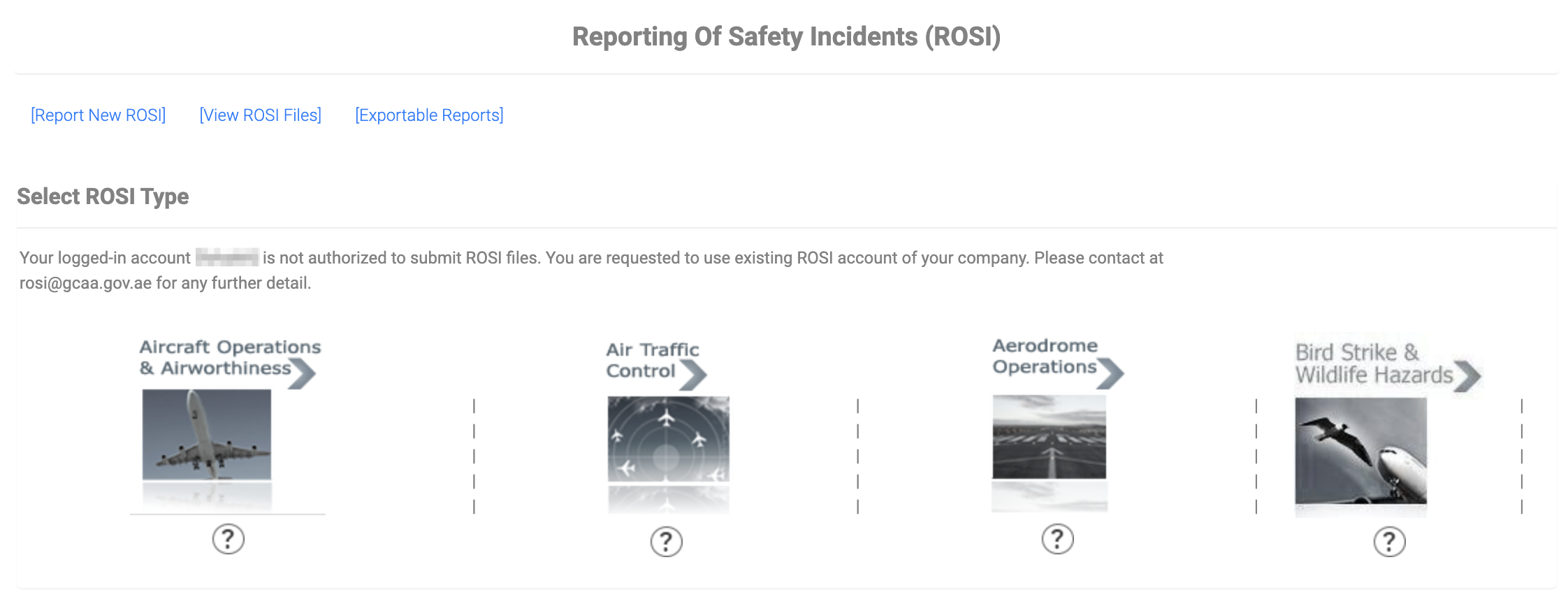
- ROSI Dashboard will open, if you do not have authorization, ROSI services will be disabled. Kindly contact rosi@gcaa.gov.ae.
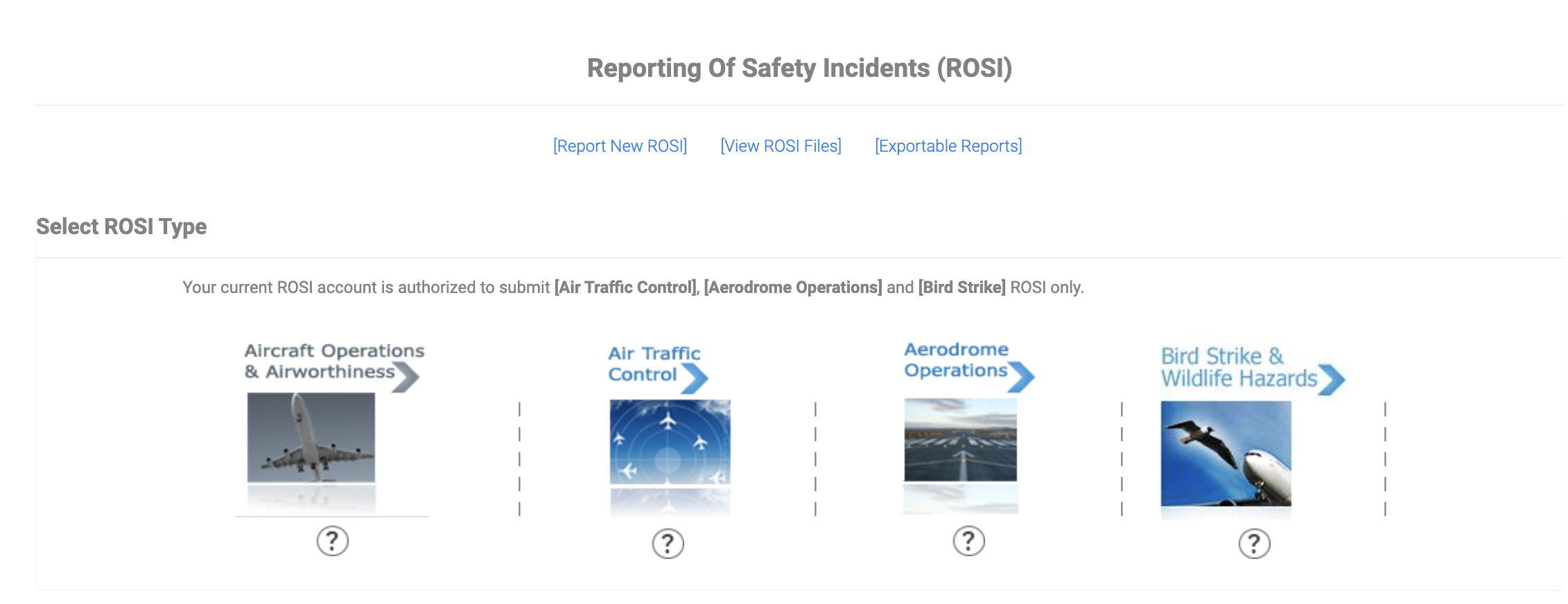
- After getting the required access relevant ROSI service will be activated as shown below.
Video Tutorial
The above steps can be viewed in a video format as well.